
Free
2,000 words a week.
$0forever
No card. No countdown.- 2,000 words / week
- Basic AI cleanup
- 100 languages
- Works in any app
- Cloud transcription

Dictate in any app. Voxor turns your speech into clear writing that still sounds like you.
Download Voxor2,000 words a week, free. No credit card.


Emails, messages, documents, code. Keep the apps you use. Change how you write in them.
The same simple flow on your computer and your phone.
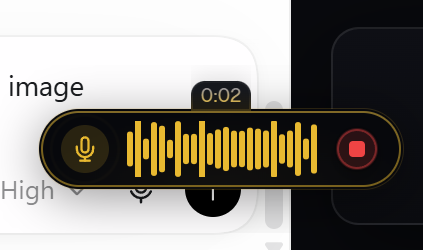
Press your shortcut on desktop, or tap the mic on mobile.
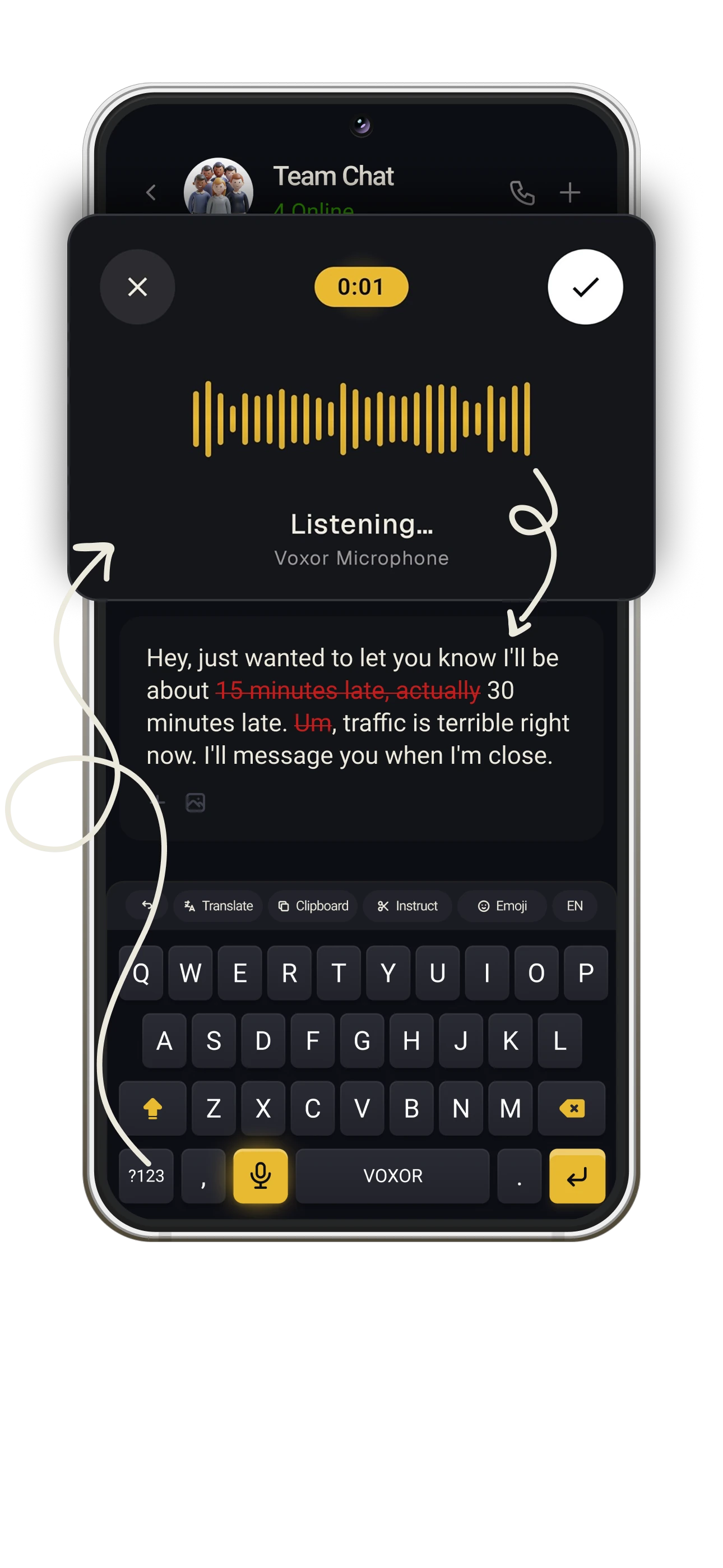
Speak naturally. Pause, change your mind, keep going.
Voxor cleans up your words and types them into your app.
 Message
 MessageReady
Hi Sarah, I wanted to follow up on the proposal and schedule a call next week to walk through the numbers.
Speak the way you think. Voxor takes care of how it reads.
“Um, hey, so, can we push the meeting to Thursday? Uh, mornings don’t work for me.”
“Write the email.” “Make it shorter.” “Sound more like me.”
Give it the intent. Let the words follow.
The recording could not load. Open the video.

Hey Jake, the car's grinding when I brake. Could you take a look this weekend? Thanks man!
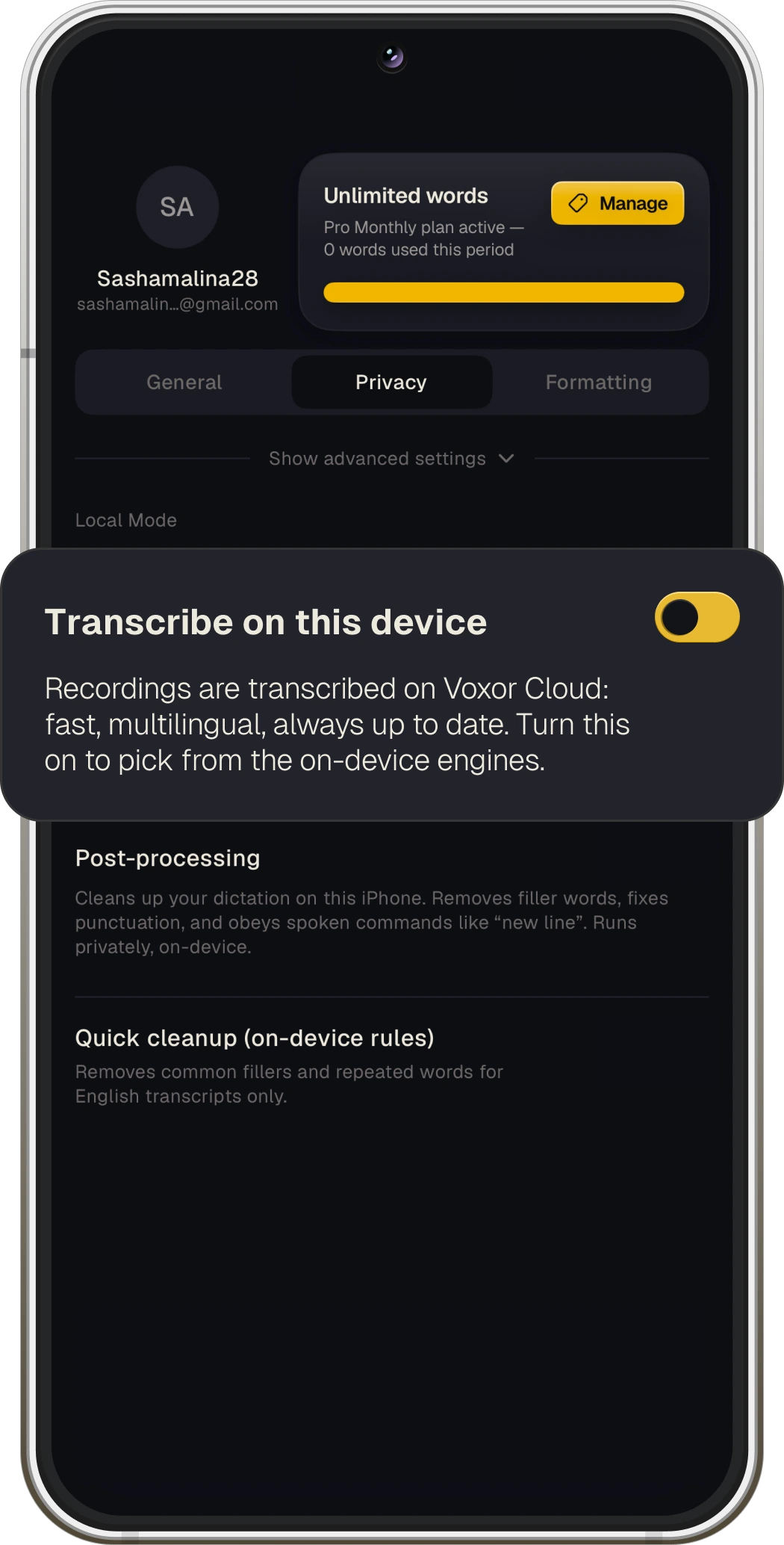
Flip to Local Mode. Your voice stays with you.
No AI training on your words.


Think in more than one language? Mix any of 100 supported languages, even three or more in one sentence.
No stopping to change a setting. No translating your personality.
Mobile app
“Hey, could you please log a task to Marketing team that they need to send the Codexum redesign presentation.”
The recording could not load. Open the video.
Speak a command. Your agent runs the workflow and brings back the reply.
Your agent can see highlighted text and a screenshot of your active window. Both go directly to your integration, never through Voxor’s servers.
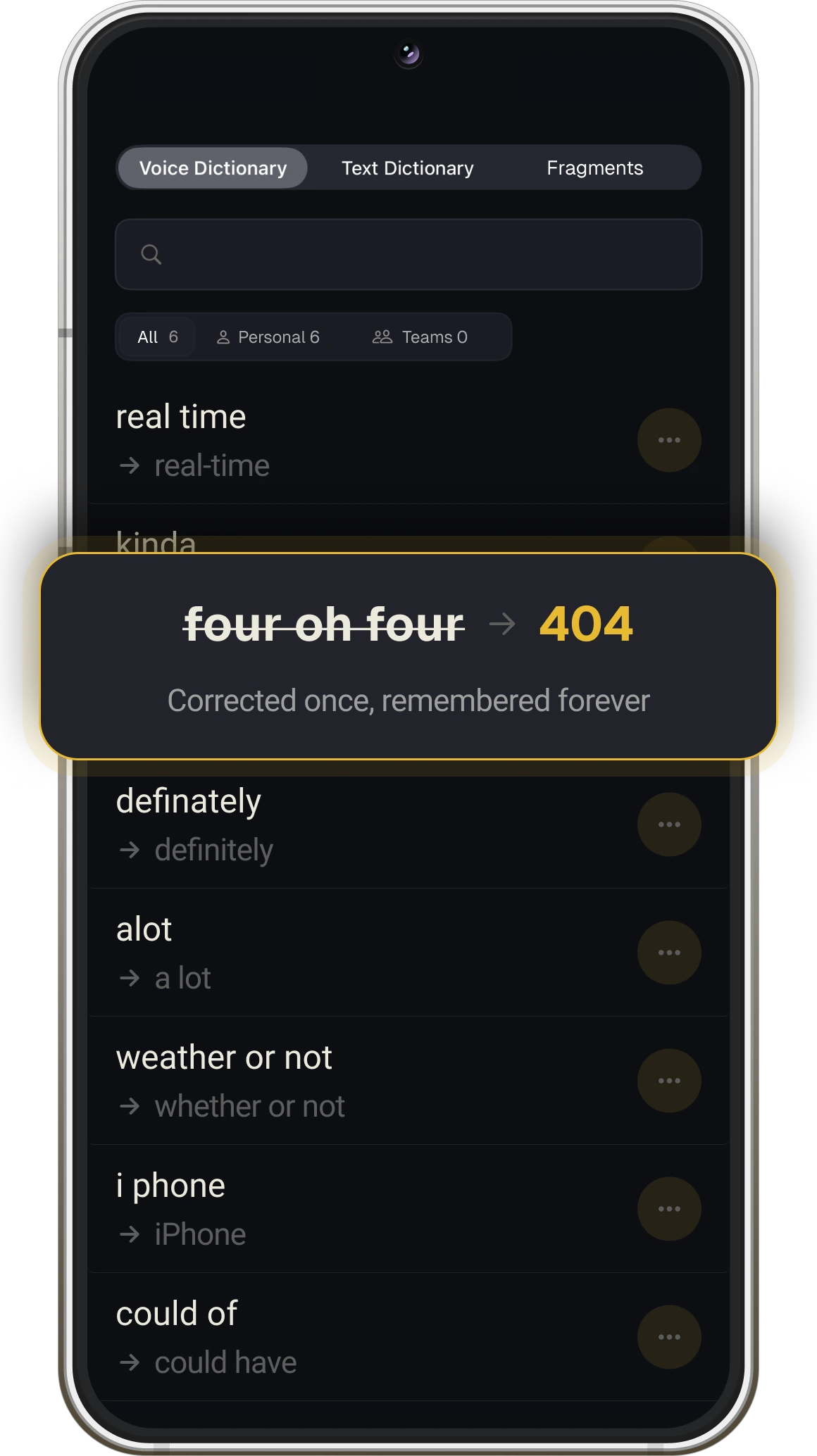
Your vocabulary. Your shortcuts.
Your way of working.
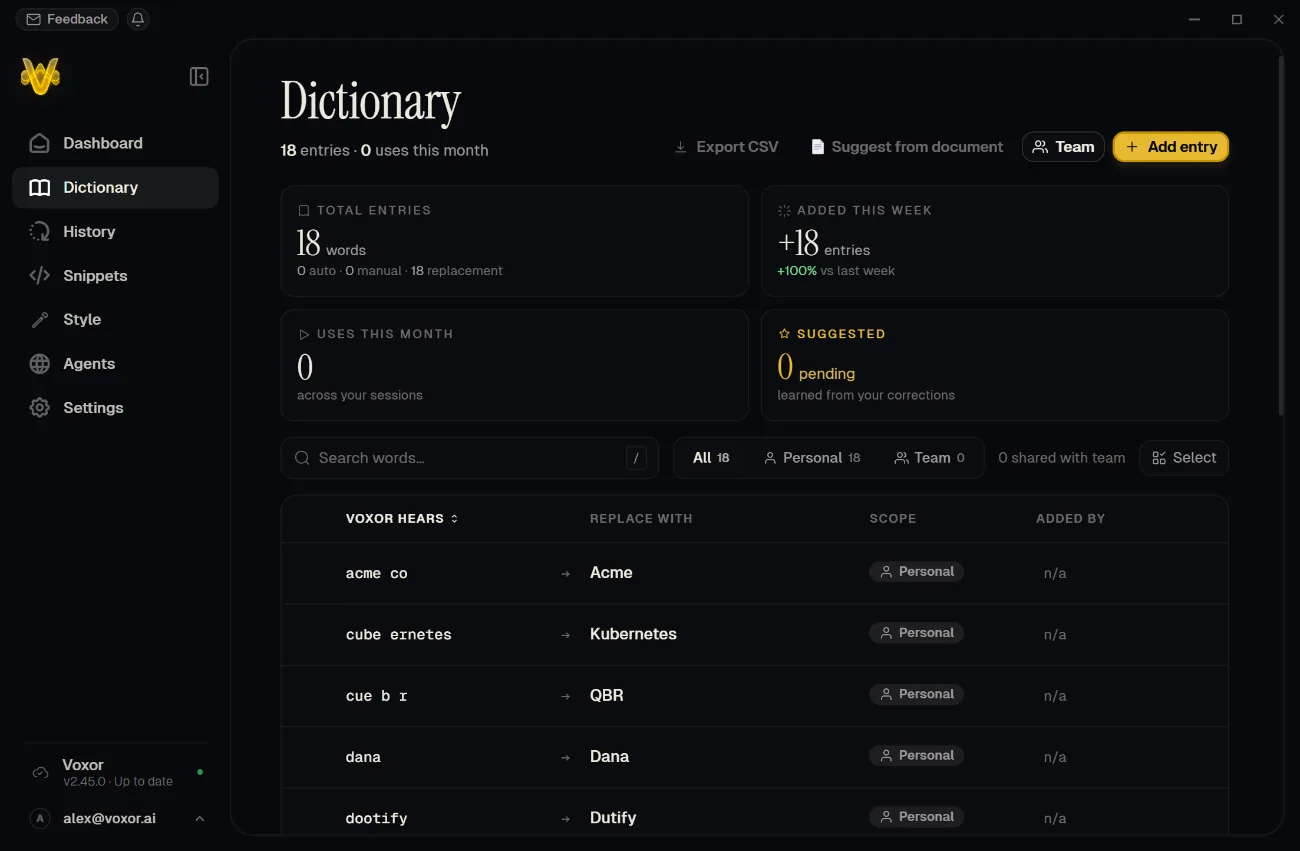
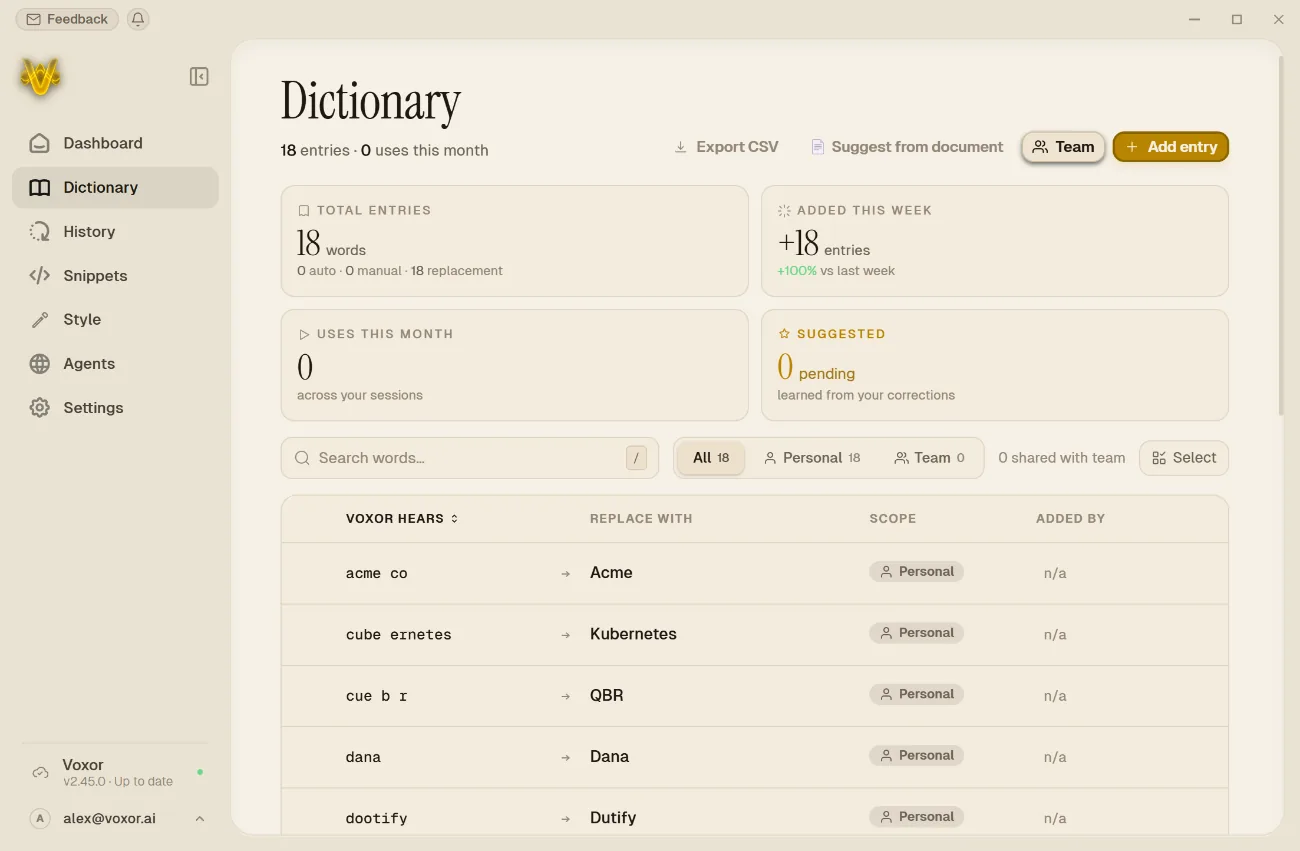
Save names, acronyms, and the terms you use every day.
Say a few words to insert your address, saved reply, or sign-off.
Search past dictations and reuse what you’ve already written.
You say“Yes, bring the parcel to
address snippet”
Voxor typesYes, bring the parcel to
42 Maple Street,
Apartment 5,
Springfield, IL 62704.
Quick PickerSwitch models and modes in a moment.
Crash recoveryRecover your recording after an interruption.
100 languagesAll the ways you think and speak.
2,000 words a week.
$0forever
No card. No countdown.For everyday writing.
$15/ month
$180 billed yearly · USDFlexible deployment and direct support for your team.
Contact Us
[email protected]Better together. Explore Voxor for teams
Pro for everyone. One shared dictionary.
Your team’s own language, everywhere you work.
Names, terms, and acronyms.
One vocabulary for the whole team.
Shared snippets for replies,
sign-offs, and the everyday.
Seats, roles, and invites.
All in one place.
Simple per-seat billing.
No chasing receipts.
Your founding rate. Locked in.Yours for as long as you stay.
Yes. In Local Mode, speech recognition and AI cleanup run entirely on your machine. If a required local model is missing, Voxor stops with an error. It never silently falls back to the cloud.
On desktop, Voxor scans your hardware to find compatible speech and cleanup models. Download them once during setup.
Voxor is available for Windows 10 and 11, Mac with Apple Silicon, iOS (Coming soon), and Android. Visit the download page to get the version for your device.
You can connect a workflow in tools such as n8n, Make, or Zapier using its webhook URL. You’ll need to set up that workflow first; then you can run it by voice and see the reply in Voxor.
Yes. The Free plan covers 2,000 words a week with basic AI cleanup. Upgrade anytime.
Yes. Set up Local Mode and download your models while online. Speech recognition and AI cleanup can then run on your computer without a connection. Cloud processing and connected voice agents need internet.
No, no, no. Nope. We never train models on your words. And in Local Mode, your voice and text stay on your machine.
If Voxor is not for you, contact us within 14 days for a full refund.